
Time to read:
In this post, we are going to go over the solution to a VMware ESXi host failing to leave a Microsoft Active Directory (AD) domain.
SECTION I – The Error
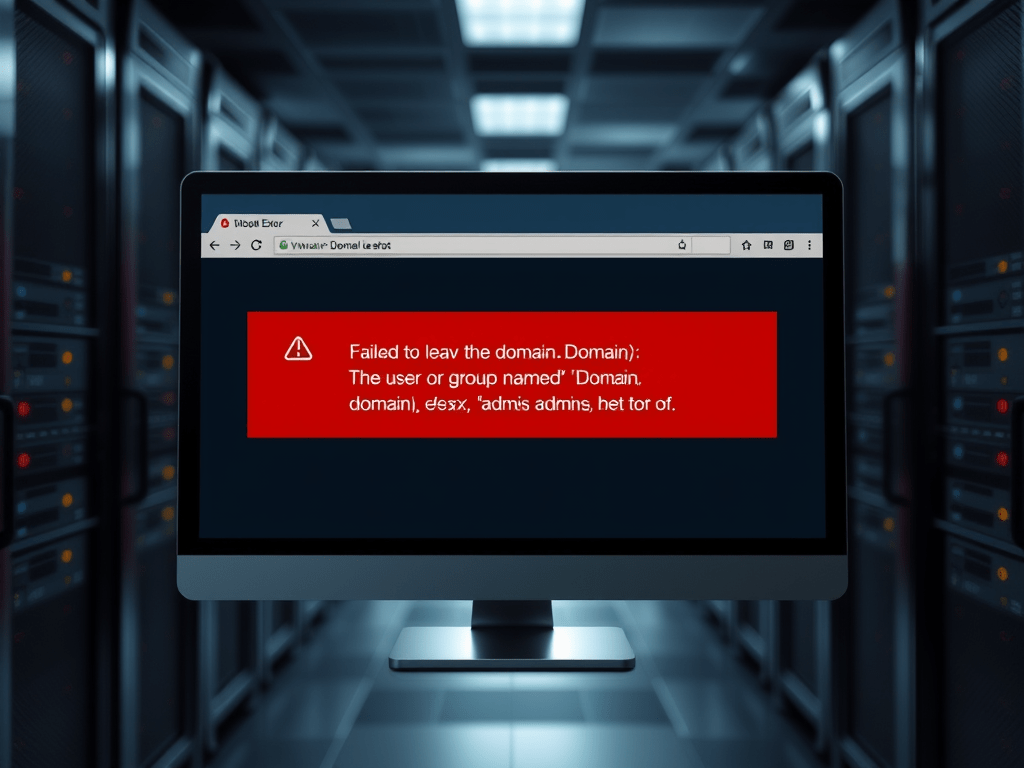
When an ESXi host is trying to leave an AD domain and you get the following error where <domain> is your domain name:
Failed to leave the domain <Domain>: The user or group named '<Domain>\esx^admins' does not exist.
This error will be displayed within the Web GUI in a red banner towards the top of the page.
SECTION II – The Solution
In order to allow you to leave the domain you need to manually create the group on the ESXi host.
Establish an Secure Shell (SSH) session to the Command Line Interface (CLI) of the ESXi host.
Enter the following command to create the ESX Admins group locally. NOTE: you need to make sure you do the \\ between the domain and group name because a single \ is a break out character so won’t be seen within the command.
/usr/lib/vmware/busybox/bin/busybox addgroup 'DOMAIN\\esx^admins'
Now through the Web GUI remove the host from the domain. You should be able to leave the domain as normal.
Once you have left the domain you need to make sure you delete that local group that you created using the following command:
/usr/lib/vmware/busybox/bin/busybox delgroup 'DOMAIN\\esx^admins'
 Knowledge Addict
Leave a comment