

Introduction
In this post, we are going to go over a seemingly very annoying error when trying to start a Docker container using Docker Compose. For reference I ran into this error on a freshly build Fedora Linux Server image that I had just installed Docker and Docker Compose on.
Docker is an open-source containerisation platform. This allows developers to package, deploy and run applications in lightweight and isolated environments that have all required dependencies to run consistently across various platforms.
Docker Compose is a tool that simplifies management of multi-container applications. Based on the Yet Another Markup Language (YAML) it allows you to declare configuration properties of multiple container instances from a single command.
Section I – The Errors
When I tried to use the following command to use Docker Compose to start my Docker containers I got the errors show in the image below.
docker-compose up -d
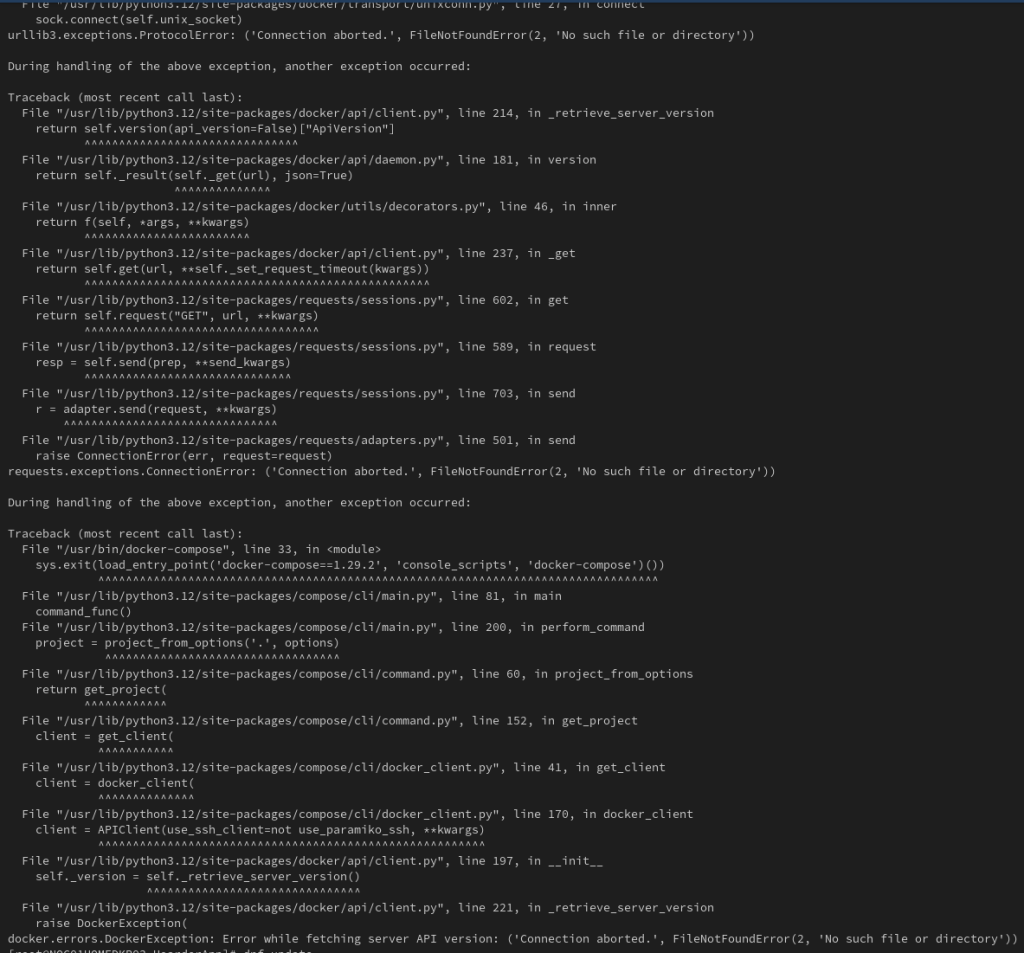
I was getting some of the following errors:
- urllib3.execptions.ProtocolError
- python3/site-packages/requests/adapters.py – requests.expections.ConnectionError
- python3/site-packages-docker/api/client.py – docker.errors.DockerException: Error while fetching server API version
Section II – The Solution
These errors are caused by the Docker service not being started. This means that Docker Compose has no underlying Docker service to interactive with to pull and start the container images.
To start the Docker service use the following command:
systemctl start docker
Then make sure that the Docker service is set to start on boot of the service to avoid this issue happening again after a reboot. Use the following command to start the service on boot:
systemctl enable docker
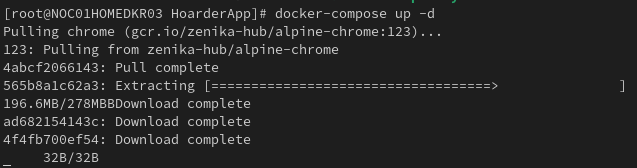
Now if you re-run the command to use Docker Compose you should see the container images being pulled and then started:
docker-compose up -d
 Knowledge Addict
Leave a comment