
Category: VMWare
-
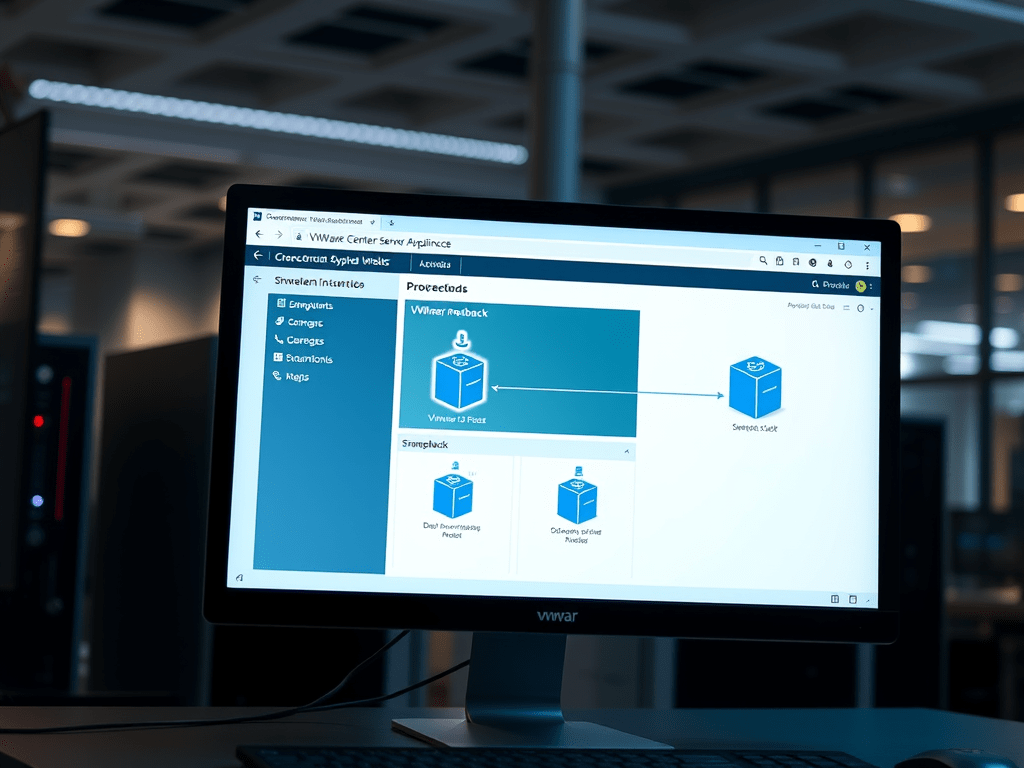
VMware Linked vCenter Server Appliance Snapshot and Rollback Best Practise
Time to read: In this post we are going to go over the best practises for taking a snapshot of a 2 VMware vCenter Server Appliance (VCSA) instances that are in enhanced linked mode. NOTE: This post does not go into a “how to” of taking a VCSA snapshot, instead…
-
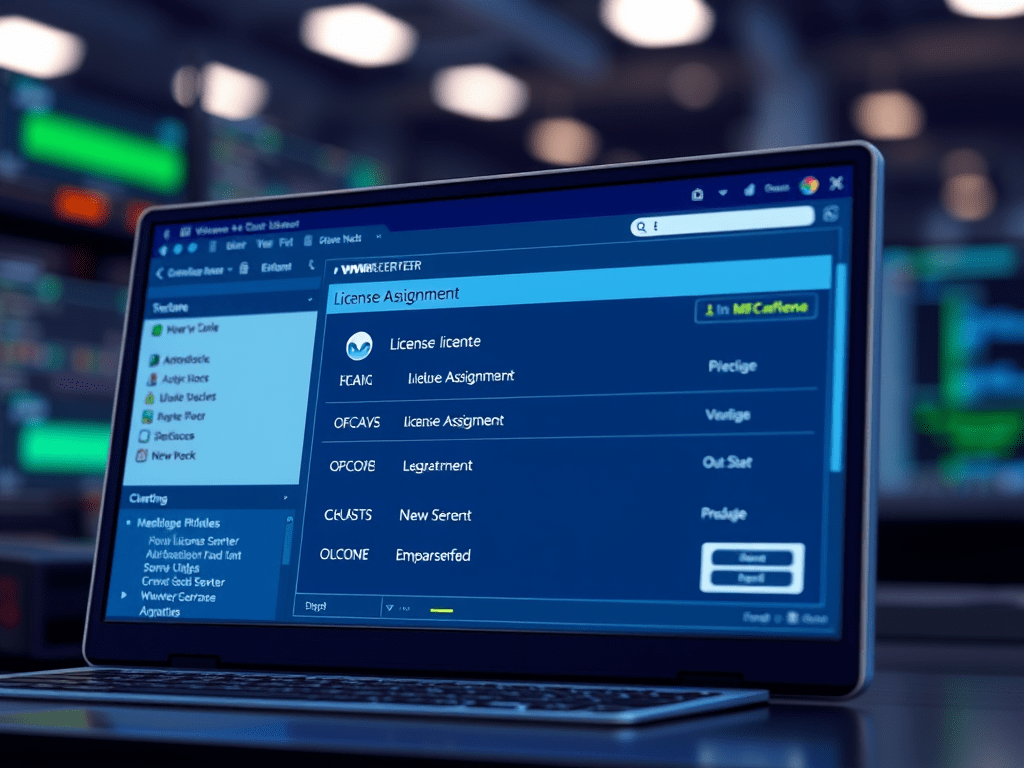
VMware vCenter Server – Cannot Complete License Assignment Operation
Time to read: In this post we are going to go over a potential solution to not being able to add a VMware ESXi host to vCenter Server because it cannot complete the license assignment operation. For reference my VMware set up is version 7 with 2 vCenter Server Appliances…
-
VMware vCenter Server Can’t Start VM – Virtual Machine not Compatible with any Host
Time to read: In this post we are going to go over a quick fix for not being able to start a Virtual Machine (VM) through vCenter Server Appliance (VCSA). I will preface my solution by saying this is a quick way to get the VM going and probably not…
-

VMware vCenter Server Services Won’t Start after Powering Down With HA Enabled
Time to read: In this post we are going to go over a common issue with VMware vCenter Server Appliance (VCSA) where when VCSA with High Availability (HA) enabled powers up after being powered off in the incorrect order none of the services will start on any of the VCSA…
-
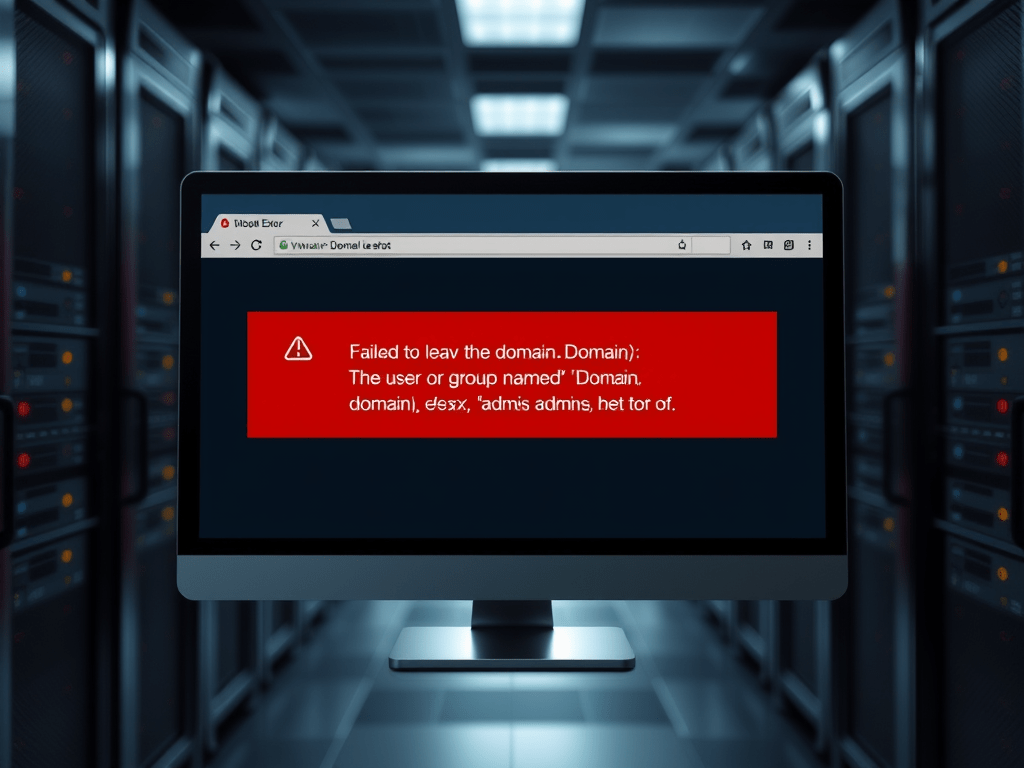
Resolving VMware ESXi Domain Leave Error: User or Group Does Not Exist
Time to read: In this post, we are going to go over the solution to a VMware ESXi host failing to leave a Microsoft Active Directory (AD) domain. SECTION I – The Error When an ESXi host is trying to leave an AD domain and you get the following error…
-
Unable to Add VMware ESXi to Active Directory Domain – Errors in Active Directory Operations
Time to read: In this post, we are going to go over a common issue that you may run into when trying to add a VMware ESXi host to a Microsoft Active Directory (AD) domain. SECTION I – Errors in Active Directory Operations When trying to add the ESXi host…
 Knowledge Addict